
Before You Start
You need:- a Windows 64-bit, macOS, or Ubuntu computer
- a supported desktop browser
- a public video or music URL that you have permission to use
- enough Youka credits to create the project
URL creation is available on computers. On a phone or tablet, download the media file first and use the regular file upload flow.
1. Download the Youka Extension
- Open the Youka Extension download page.
- Select Windows, macOS, or Linux.
- Wait for the installer to finish downloading.
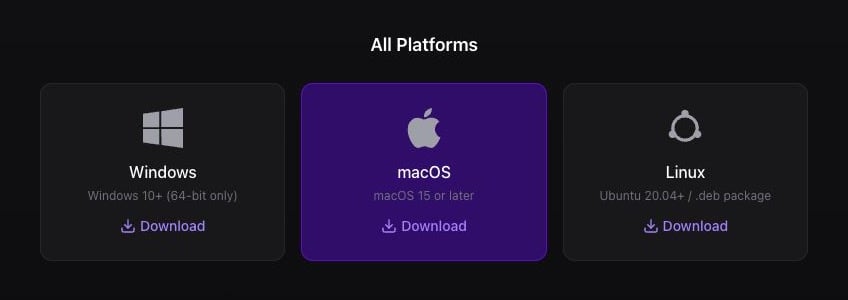
Select your operating system and start the extension download.
2. Install and Open the Extension
- macOS
- Windows
- Linux
- Open the downloaded
.dmgfile. - Drag Youka Extension into Applications.
- Open Applications, then open Youka Extension.
3. Wait for the Extension to Be Ready
The extension opens Youka Online in your browser. Sign in if asked.Chrome may ask whether Youka Online can find and connect to devices on your local network. Select Allow. Youka uses this permission to connect to the Youka Extension running on your computer.
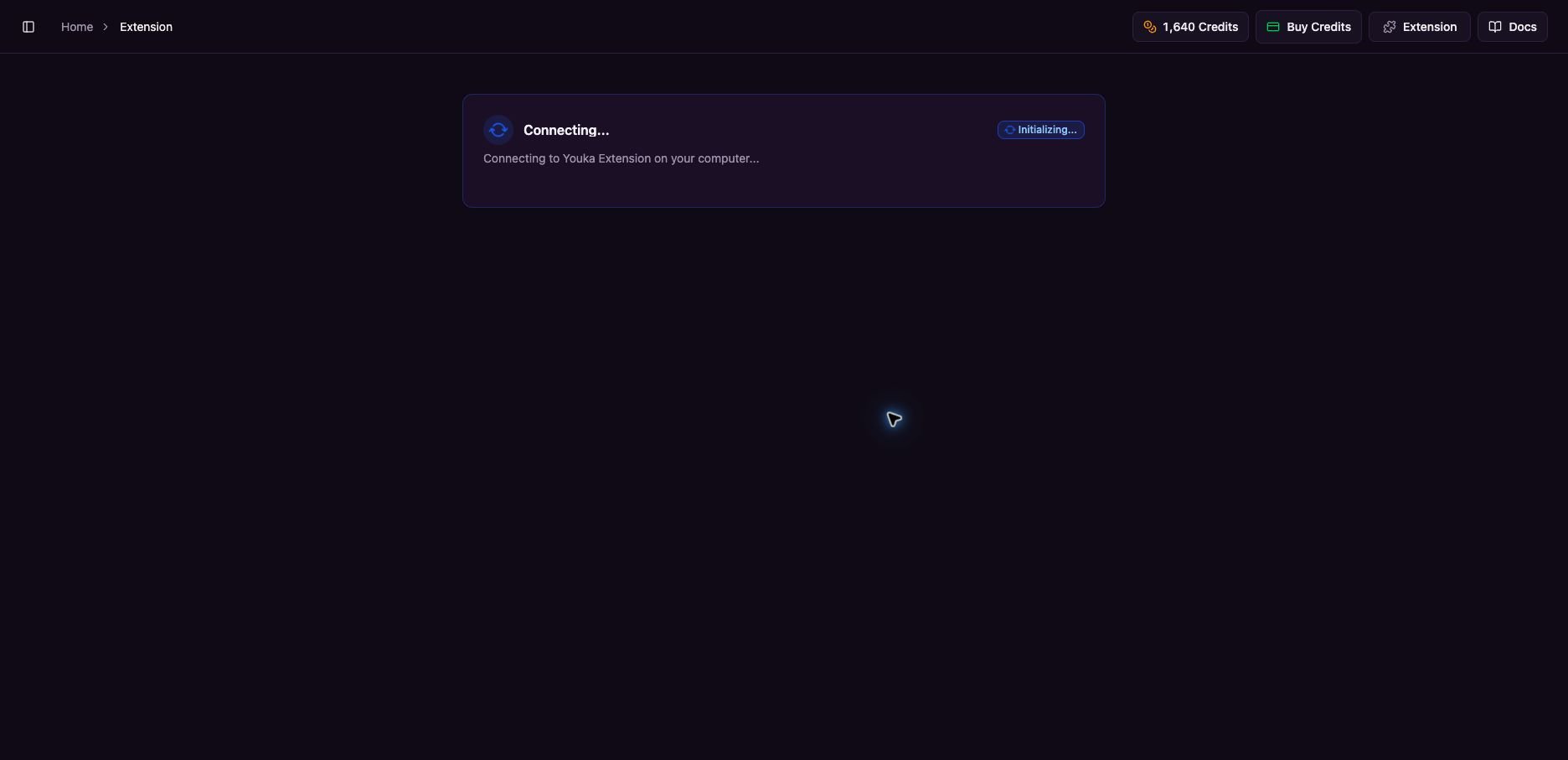
Keep the extension open while the Initializing progress reaches 100%.
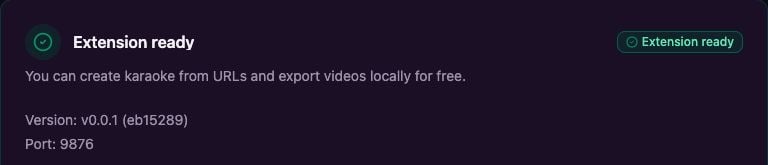
Extension ready confirms that Youka Online is connected to the extension.
4. Open Create Karaoke from URL
- Return to Youka Online.
- Select Create Karaoke Video in the left sidebar.
- Select URL.
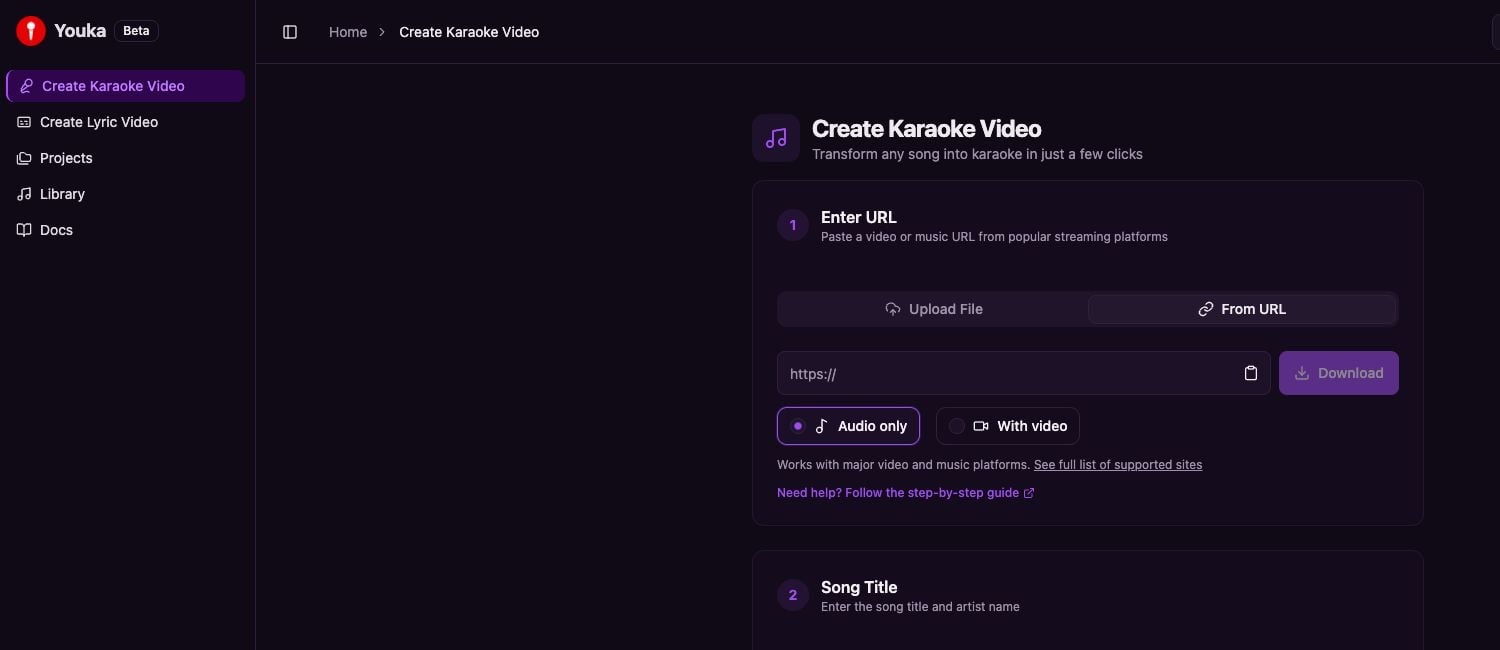
Open Create Karaoke Video, then select URL.
5. Paste the URL
- Paste your public video or music URL into the URL field.
- Choose Audio only for a standard karaoke project. Choose With video only when you also need the source video.
- Select Download.
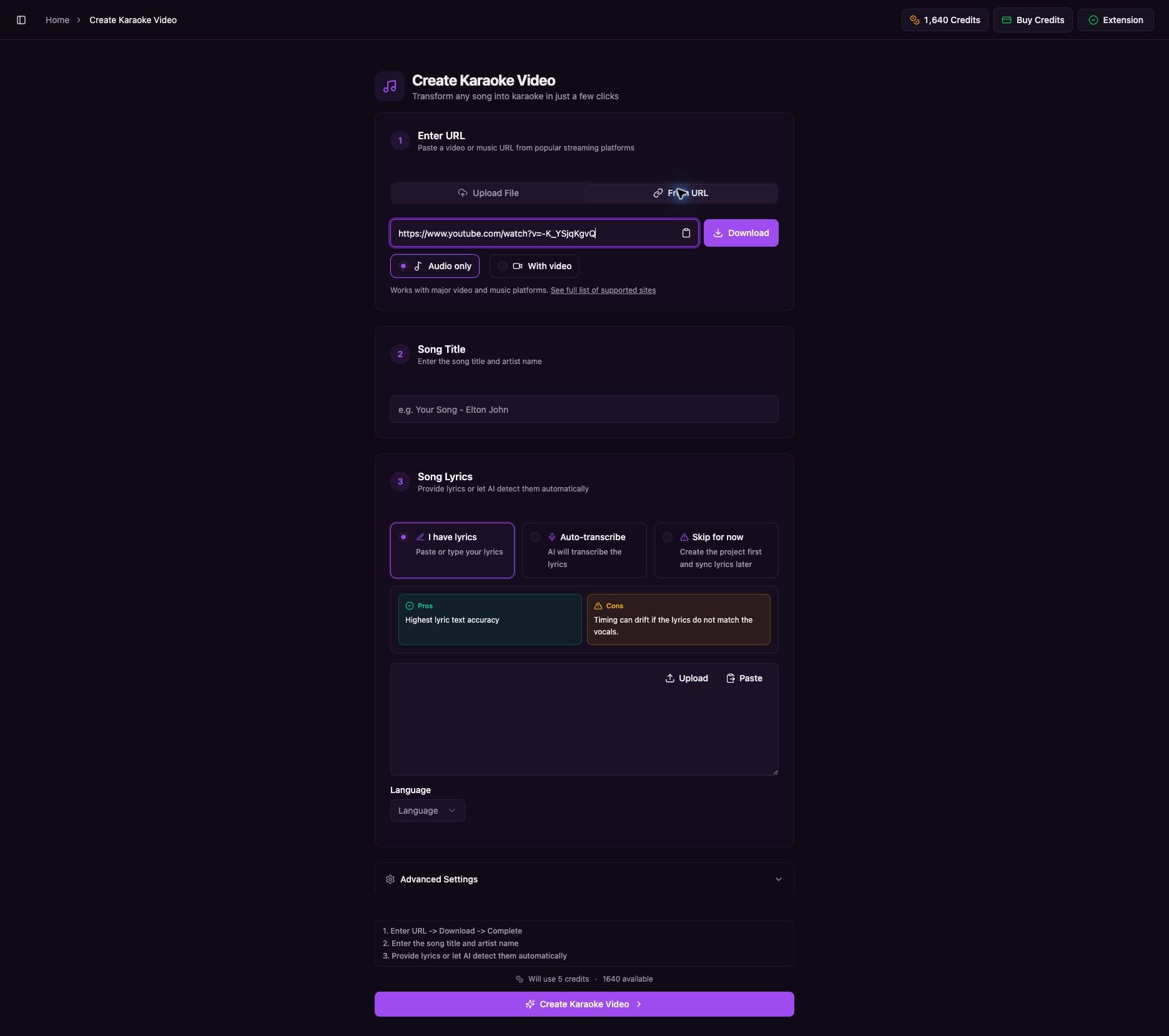
Paste the URL, choose the format, then select Download.
6. Wait for the Download to Finish
Keep the page open while Youka downloads the source and prepares the media. The message changes as each stage finishes.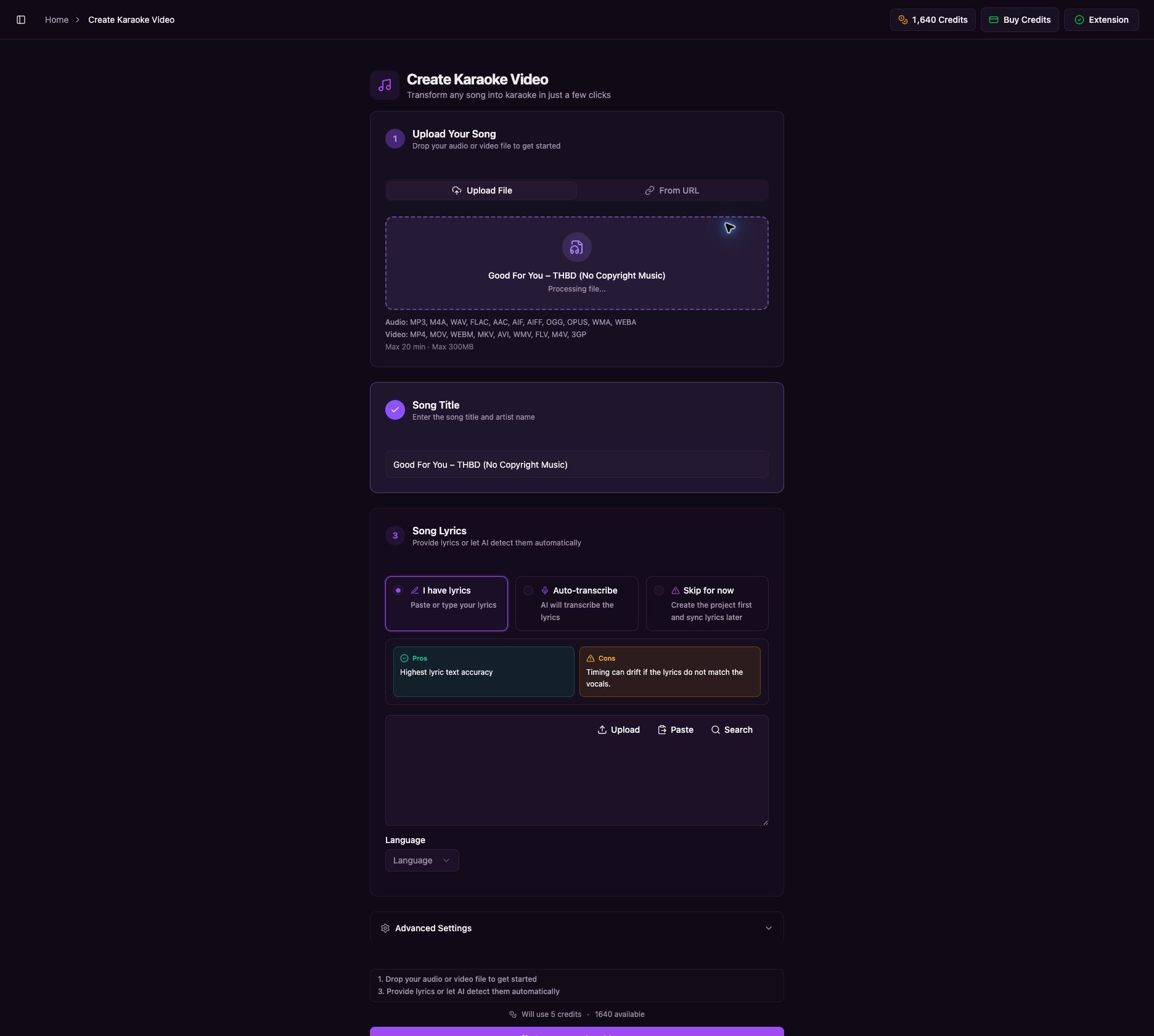
Wait until both download and upload preparation finish.
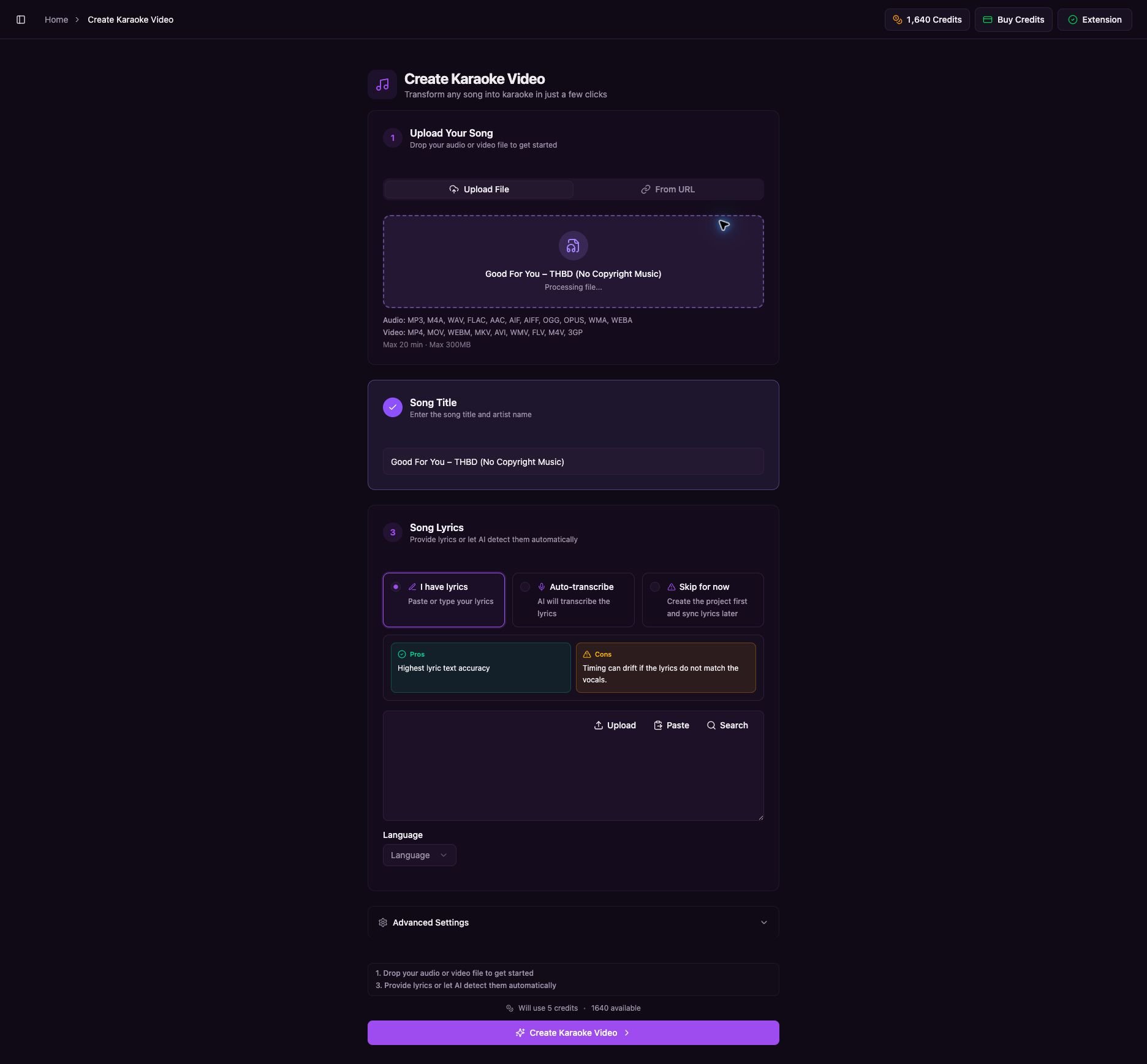
The downloaded media and song title appear while Youka finishes preparing the file.
7. Choose Lyrics and Create the Karaoke
- Check the Song Title and edit it if needed.
- Choose one lyrics option:
- I have lyrics — paste lyrics that match this exact version.
- Auto-transcribe — let Youka detect the lyrics from the audio.
- Skip for now — create the project and add lyrics later.
- Select the lyrics language when that option appears.
- Review the credit amount shown above the final button.
- Select Create Karaoke Video.
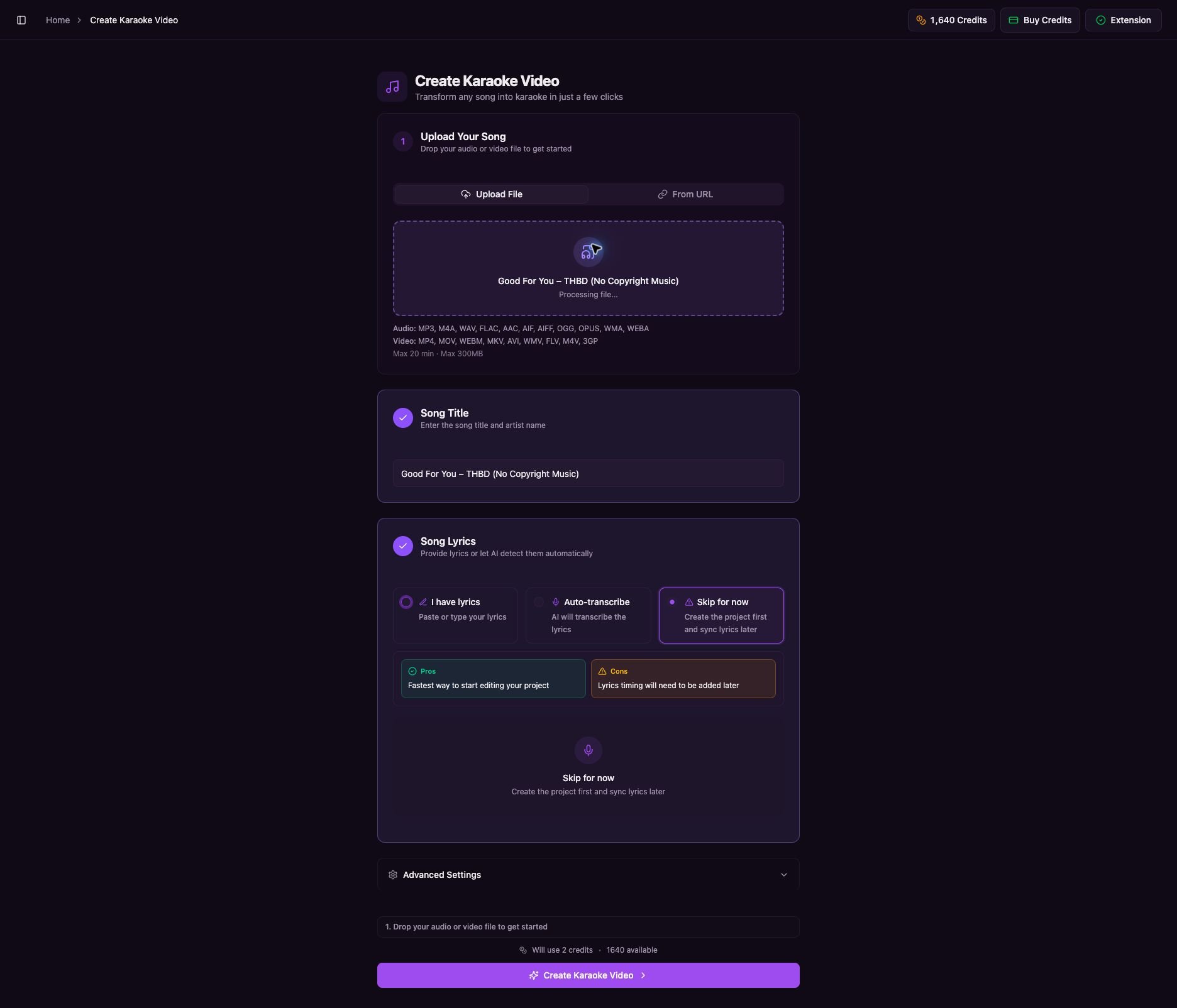
Complete the title and lyrics steps, then create the karaoke video.
8. Wait for the Project
Youka opens a Processing page automatically. Keep this page open while the percentage increases.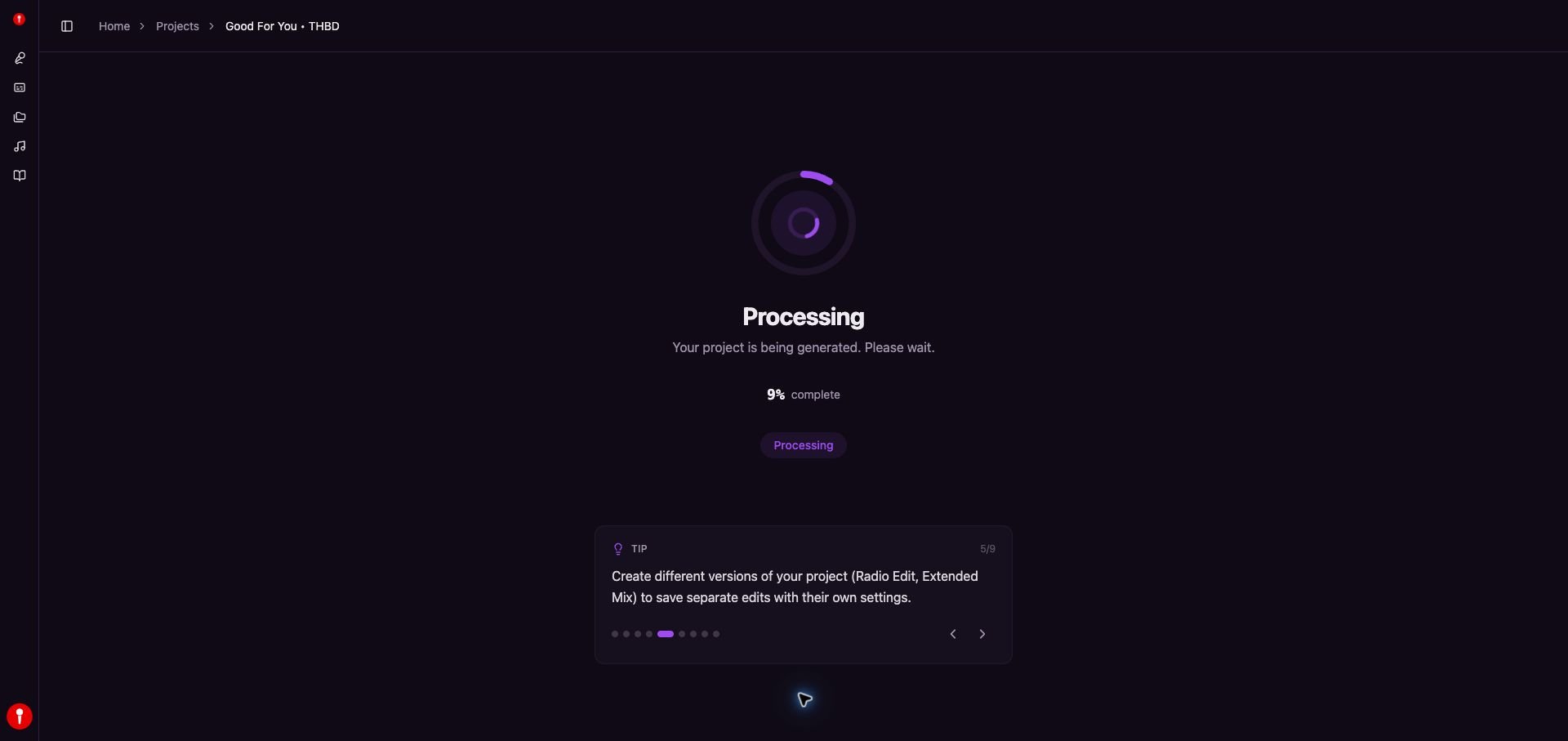
Wait on the Processing page while Youka generates the project.
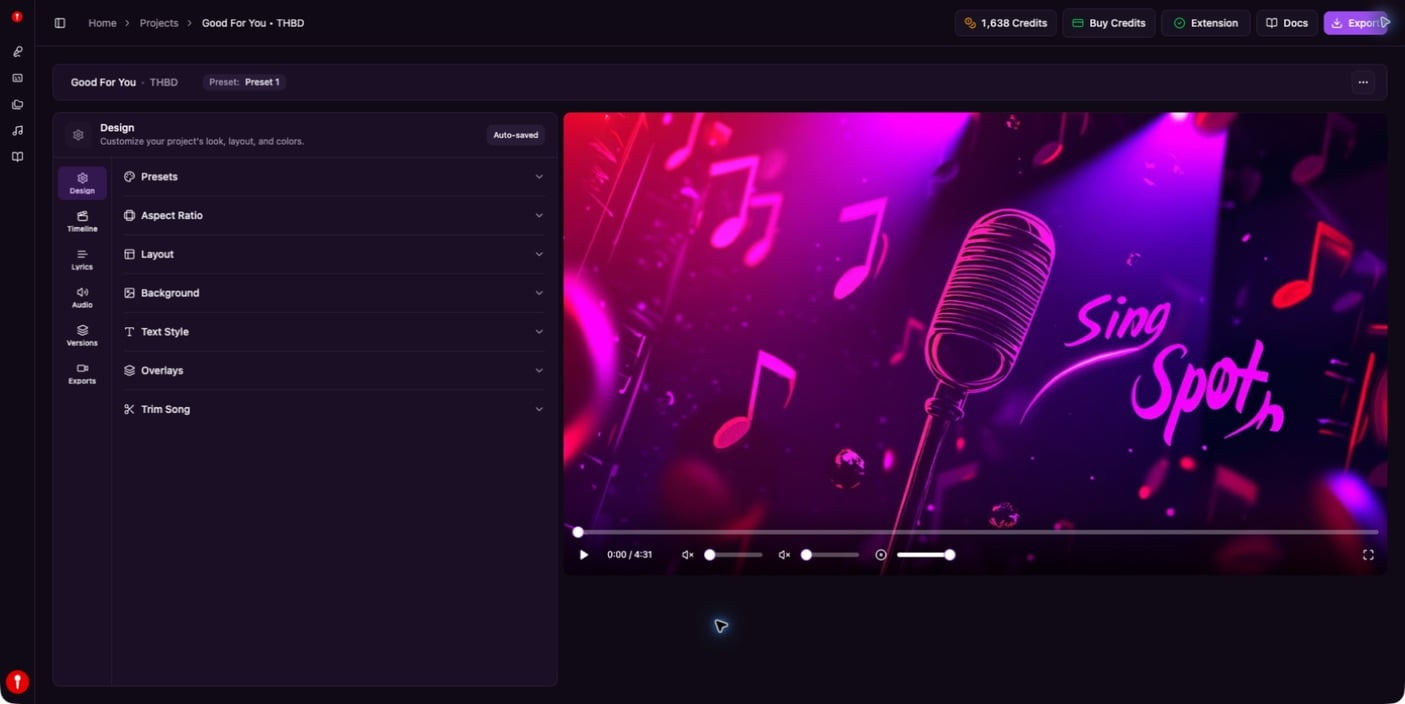
The completed project is ready to play, edit, and export.
If a URL Does Not Download
- Confirm the URL opens publicly without signing in.
- Try an official audio upload or clean music video.
- Private, age-restricted, removed, or region-blocked media may not work.
- If the source blocks downloading, download a permitted MP3 or MP4 yourself and use Create Your First Karaoke.