
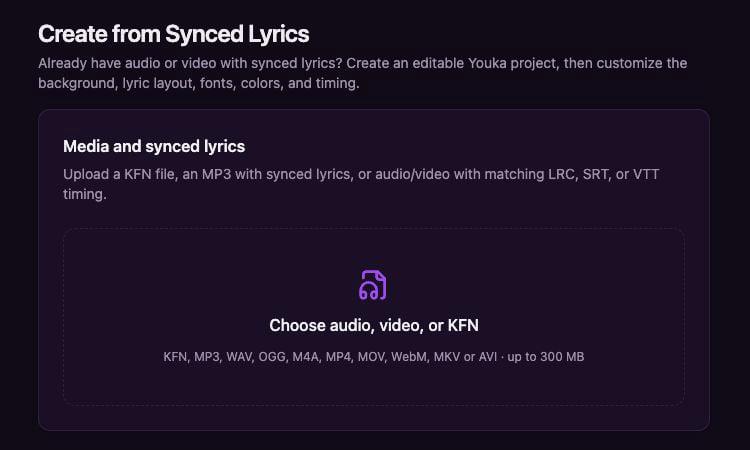
Open Create from Synced Lyrics and choose your existing karaoke media.
What you can import
- A KFN file, including compatible KaraFun KFN files
- An MP3 containing synchronized ID3 lyrics
- An audio or video file paired with a synchronized LRC, SRT, or VTT file
Import the project
1
Choose your media
Open Create from Synced Lyrics and select a KFN, audio, or video file.
2
Add timing when needed
For regular audio or video, choose the matching LRC, SRT, or VTT file. An MP3 with synchronized ID3 lyrics does not need a separate timing file.
3
Check the project title
Youka uses the filename as the initial title. Change it before importing if needed.
4
Confirm your music rights
Confirm that you own the required rights, the material is public domain, or you have permission to use it.
5
Create the project
Select Create Project. Youka validates the files and opens the imported project in Studio.
Continue editing in Studio
The imported project uses Youka’s default style preset. You can change the background, lyric layout, fonts, colors, text, and timing just like any other project. You can monitor longer imports from Activity. If validation fails, Activity keeps the failure details so you can correct the files and try again.KFN is the supported compatibility format. Other proprietary karaoke formats are not currently accepted unless you first convert them to supported media and synchronized lyrics.